
PromptSplitter vs Other Long Prompt Splitters: A Practical Comparison (2026)
You paste a long prompt into ChatGPT or another LLM and suddenly it’s cut off, formatting breaks, or the model answers only the last paragraph. That’s exactly why people look for a long prompt splitter. But here’s the problem: most “prompt splitters” only split text. They don’t help you preserve structure, keep the model from answering too early, or reuse your best prompts later. This guide compares PromptSplitter vs other long prompt splitters — with a focus on what actually improves your results.
What a long prompt splitter is (and why basic splitters fail)
A long prompt splitter breaks a large prompt into smaller chunks so you can paste it into a chat model without hitting message or context limits. The catch is that prompts are instructions, not essays. If your tool splits in the wrong place, breaks code blocks, or doesn’t guide the paste flow, your output quality drops.
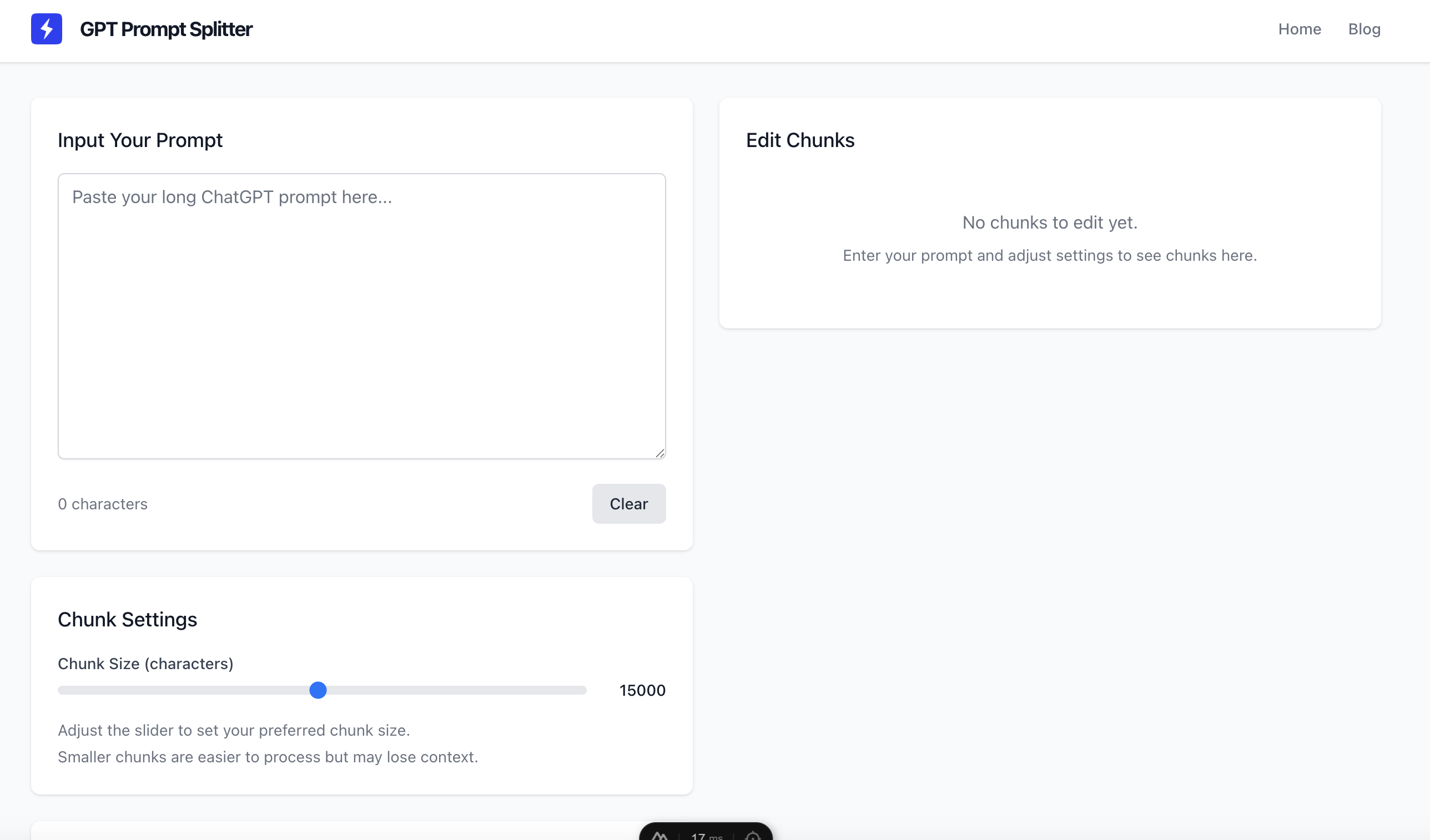
Try our tool
Split your prompts easily with our free online tool
Common failures with generic long prompt splitters
- They cut mid-structure (breaking headings, lists, code fences, or JSON).
- They don’t provide a “wait until GO” flow, so the model answers too early.
- They create uneven chunks that are hard to paste and easy to mess up.
- They’re one-off utilities — you lose good prompts in chat history.
PromptSplitter vs other long prompt splitters: what to compare
The best tool is the one that keeps your prompt readable and the model compliant. Here are the criteria that matter most in real usage — especially for long prompts with instructions, code, or strict formatting.
The 6 criteria that separate “good enough” from “actually useful”
- Clean chunking — Chunks should be balanced and predictable, ideally configurable by size so you don’t get random cuts.
- Formatting preservation — Markdown, code fences, indentation, tables, and JSON must survive splitting unchanged.
- Multi-part paste flow — You want “Part 1/N… Part N/N” plus a rule that the model must wait for a final command.
- Copy/paste UX — Clear numbering, preview, and quick copy buttons reduce errors and speed up your workflow.
- Privacy & data handling — If prompts contain sensitive info, you want minimal retention and clear handling policies.
- Reusability — A splitter that also acts as a prompt library helps you stop rewriting the same “master prompt”.
Quick comparison table
| What you need | Typical long prompt splitter | PromptSplitter (promptsplitter.app) |
|---|---|---|
| Split long prompts fast | Usually yes | Yes — prompt-first splitting |
| Keep code/markdown formatting intact | Sometimes (often breaks structure) | Designed to preserve structure and readability |
| Prevent “answering too early” | Often missing (manual instructions needed) | Built for Part 1/N…N/N + final GO workflows |
| Reduce paste mistakes | Varies (clunky UX) | Clear chunk preview + quick copying |
| Save and reuse prompts | Rarely (one-off tool) | Yes — turn prompts into a reusable library |
Why PromptSplitter is a better fit for serious prompt work
If you use long prompts regularly (coding, SEO writing, research, automation, SOPs), the goal is repeatable quality. PromptSplitter focuses on the parts that actually improve outcomes, not just splitting.
Prompt-first splitting for instruction-heavy prompts
PromptSplitter is built to keep constraints and structure readable across chunks. That reduces the risk of the model “forgetting” your rules, especially when the prompt contains steps, formats, or strict requirements.
A paste flow that models follow
A good multi-part workflow stops the model from responding before it has everything. PromptSplitter supports the Part 1/N sequence and the final “GO” trigger so you get one coherent response instead of partial guesses.
Your prompts become a library, not a one-time paste
The biggest productivity win is reusability. Save high-performing prompts, tag them, add notes, and reuse them whenever your task comes back. Over time you stop rewriting and start iterating.
Save your best prompts into a library
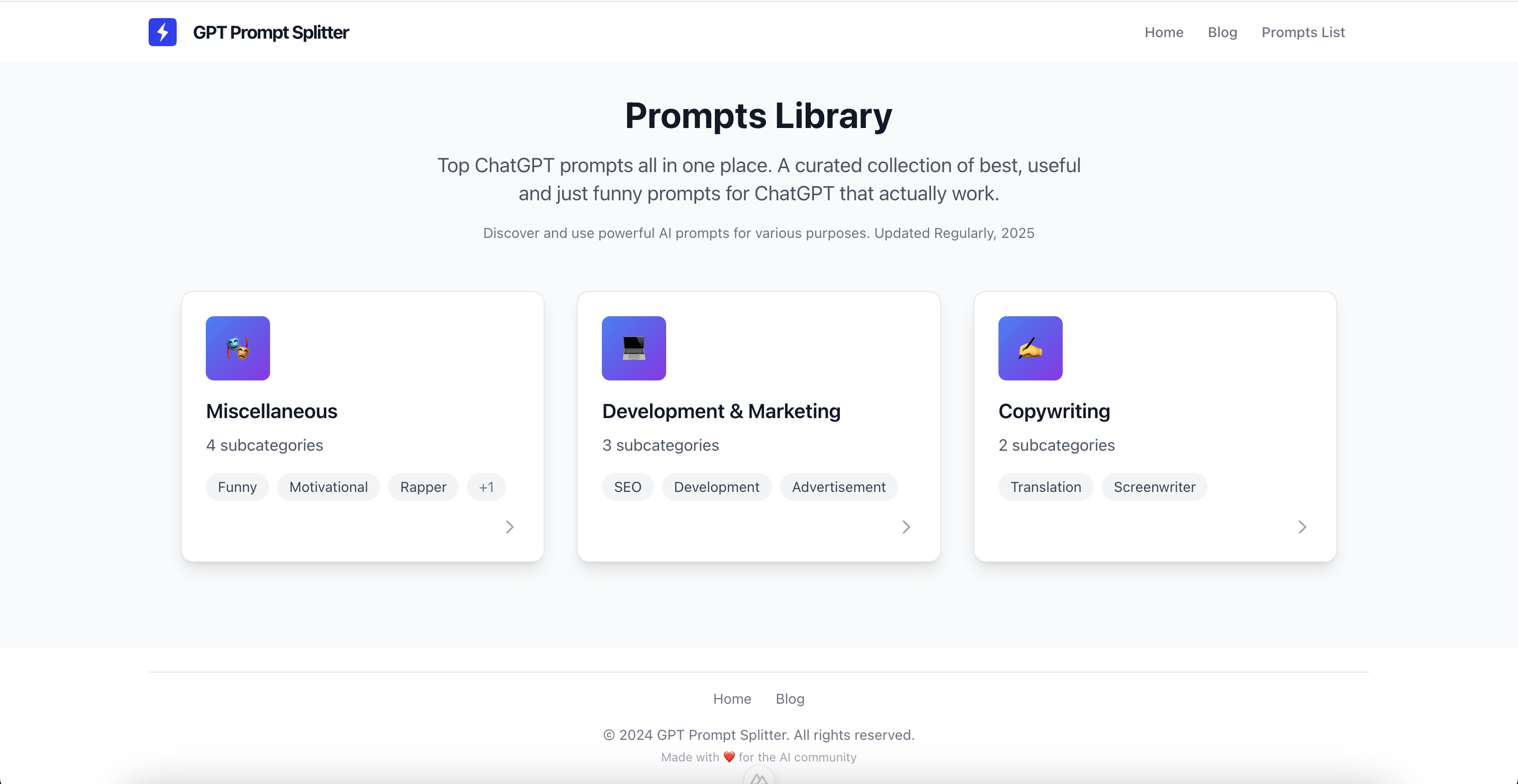
Don’t let great prompts disappear in chat history. Save them once, tag them, and reuse them instantly. Open the Prompt Library to start building a system you can rely on.
Browse promptsHow to choose the best long prompt splitter for your workflow
Use a basic splitter if your prompt is plain text and you rarely reuse it. Choose a prompt-first tool if your prompts include code/markdown, strict output formats, or you want a repeatable workflow that saves time.
A quick checklist (answer yes/no)
- Does it preserve code blocks, indentation, and markdown exactly?
- Can you control chunk size or at least get predictable splits?
- Does it generate a clear “Part 1/N… Part N/N” sequence?
- Does it tell the model to wait until a final command (like GO)?
- Can you save prompts and reuse them later (tags, notes, versions)?
The simplest workflow for splitting long prompts (that actually works)
No matter what model you use, you get better results when you prevent early answers and deliver chunks in order. Use this template every time you split a long prompt.
Copy/paste template for multi-part prompts
Paste this before sending your chunks:
“I will send a long prompt in multiple parts. After each part, reply ONLY with: OK. Do not analyze or solve anything yet. When I send the final message ‘GO’, execute the full instructions using ALL parts as one prompt.”
FAQ
Is a long prompt splitter the same as a token counter?
No. Token counters estimate size. A splitter helps you reliably deliver the prompt in multiple messages — ideally without breaking structure or instructions.
Why do models ignore parts of my long prompt?
Usually because the model answered early, the constraints were buried, or formatting broke (especially code/JSON). A proper multi-part flow and structure-preserving splitting fixes most of this.
When is a generic splitter enough?
If your prompt is simple text and you don’t care about reuse. If you work with complex prompts often, you’ll benefit from a prompt-first tool and a prompt library.
Conclusion: pick the tool that protects your prompt (and your time)
If you only need to cut text, many tools will do. But if you want consistent results, preserved formatting, and a workflow you can reuse, PromptSplitter is built for that. Split long prompts cleanly, paste them with a model-friendly flow, and save the prompts that work — so your prompt quality improves over time.
Ready to split long prompts without losing structure?
Use PromptSplitter to split, paste, and reuse long prompts in a clean, reliable workflow.